Assets
Use the Assets screen to add, edit, or delete Asset records.
Click on the Assets Menu from the left sidebar on CoolR Portal. You will see the Assets screen on the right.
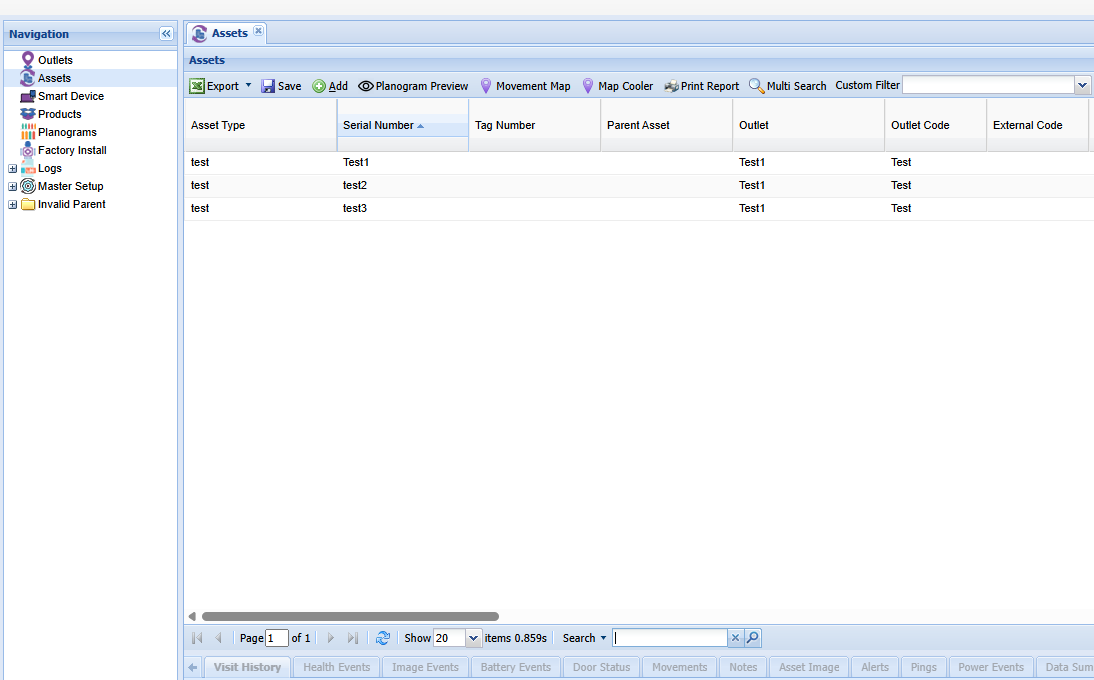
Add New Asset
Click the Add button on the Actions ribbon. You will see the Asset Details Form. Fields marked in red are required.
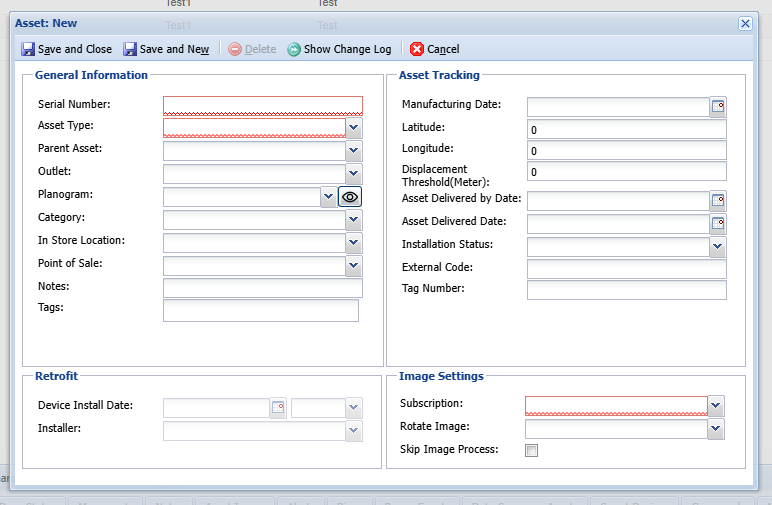
- Complete the required fields.
- Left panel is for asset details such as Serial Number, Asset Type, Planogram, Related Outlet etc.
- You can select Category for your Asset in the same form.
- Select Save and Close to save the asset.
- The new asset appears in the list.
Edit an Asset
Double-click the Asset to open its details form.
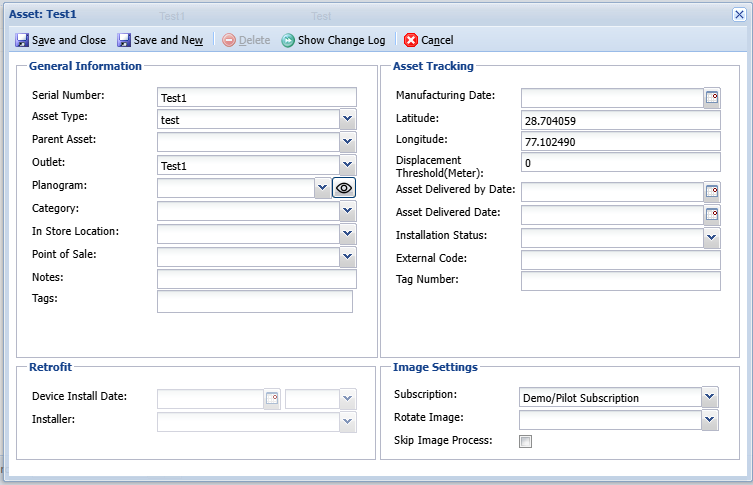
- Update the relevant fields.
- Select Save and Close to save the asset.
- The updated record appears in the list.