Assign Gateway
The Assign Gateway screen allows you to link a gateway device to the selected asset by entering or scanning its serial number.
Layout
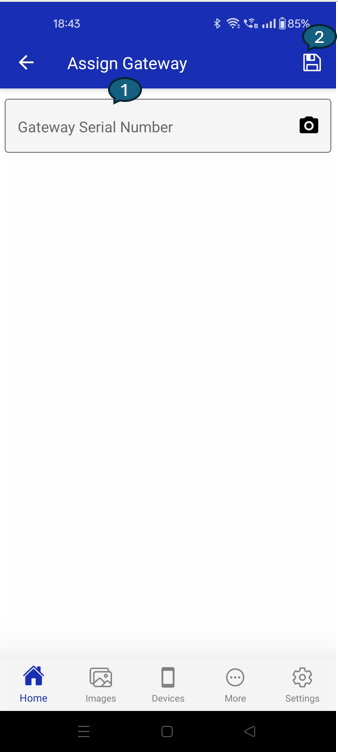
1. Input
Enter the gateway serial number manually or tap the camera icon to scan the barcode for quick entry.
2. Save Button
Tap the save icon in the top right to assign the gateway to the asset.
- The app will validate the serial number before saving.
- If the field is empty, a prompt will ask you to enter or scan a valid serial number.